UX/UI design.
An interface should guide the user, not make them guess.
We design websites, online stores, apps and digital products – from user journeys and information architecture, through prototypes, to a design system ready for development.
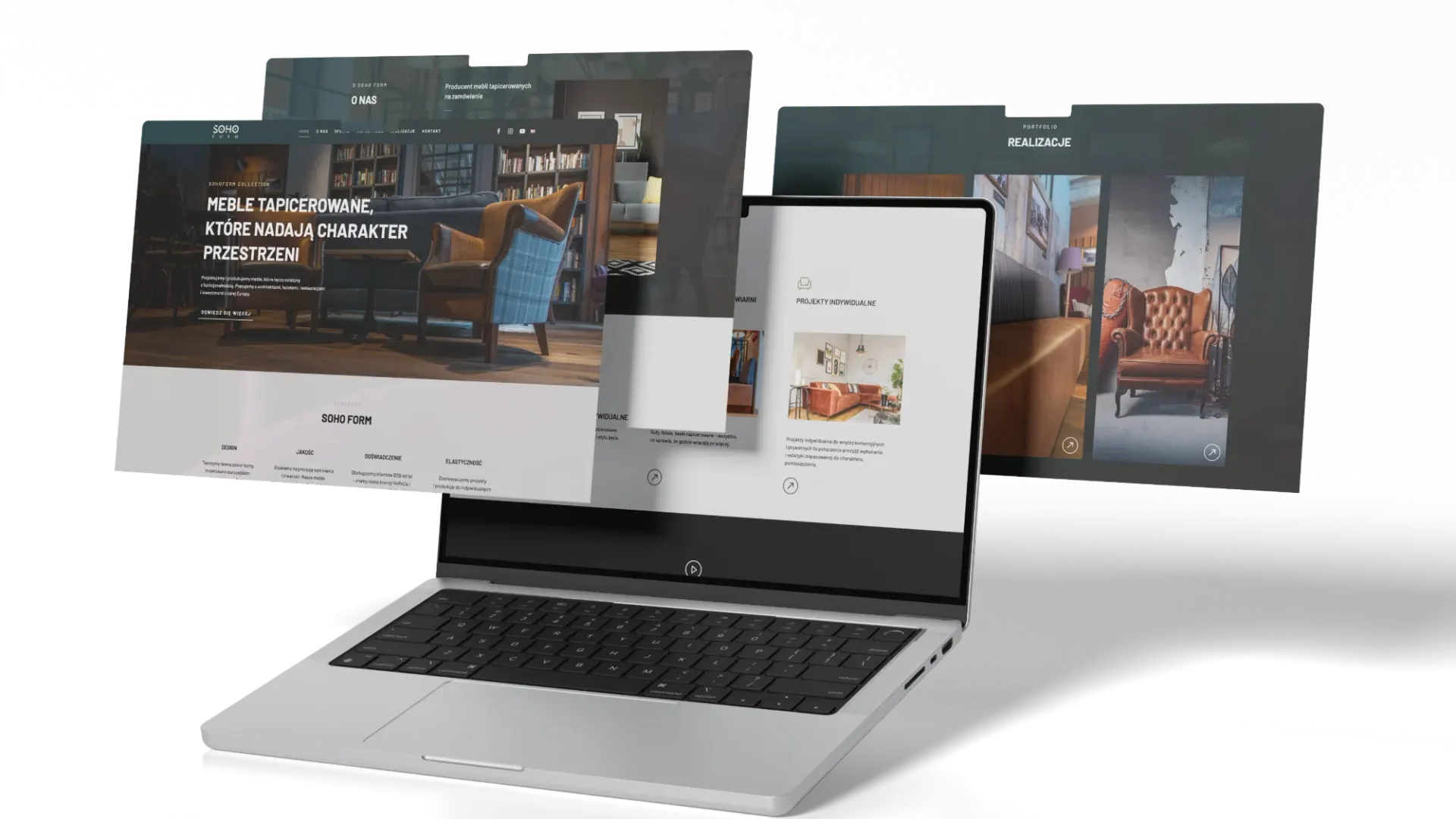
Good design is not pretty screens – it is the right decisions.
What the user sees first, where they click and what they do next decides whether a site sells or just looks nice. That is why we start with the business goal and the people who will actually use the product.
From there we build the structure, wireframes and a visual layer consistent with the brand. Every project is tested on a clickable prototype before it reaches developers – so a change costs hours, not weeks of rework.
UX research & workshops
We start by talking through goals, audiences and constraints. We look at competitors, the data available and the paths users take today to reach their goal – or where they get lost.
The result is a shared picture of what the product should do and for whom, before the first screen is drawn.
Information architecture & wireframes
We organise content and features into a structure that makes sense to the user, not to the company org chart.
Wireframes show the layout of key views without colour or imagery, which keeps the conversation on what matters: the order of information and the path to contact.
UI design
We give the interface the character of the brand. Typography, colour, icons and components are designed view by view – for desktop and mobile.
Photo, video and graphics are produced by the same team, so the design never waits on material and looks consistent from day one.
Prototypes & testing
A clickable prototype lets you move through the product as if it were already live. We use it to test navigation, forms and key flows – with the client team and with users.
Findings go back into the design before a single line of code is written.
Design system & handover
We finish with an organised set of components, styles and rules. Developers build it 1:1, and the client team can grow the product without the look drifting.
We can build it in-house too – as part of our Websites service.
How we work
Workshop
Goal, audience and scope – what the product needs to do.
Architecture
Content structure and wireframes of key views.
UI design
Look and feel, components and mobile versions.
Prototype
A clickable version to validate before build.
Handover
Design system and files ready for development.
Selected work

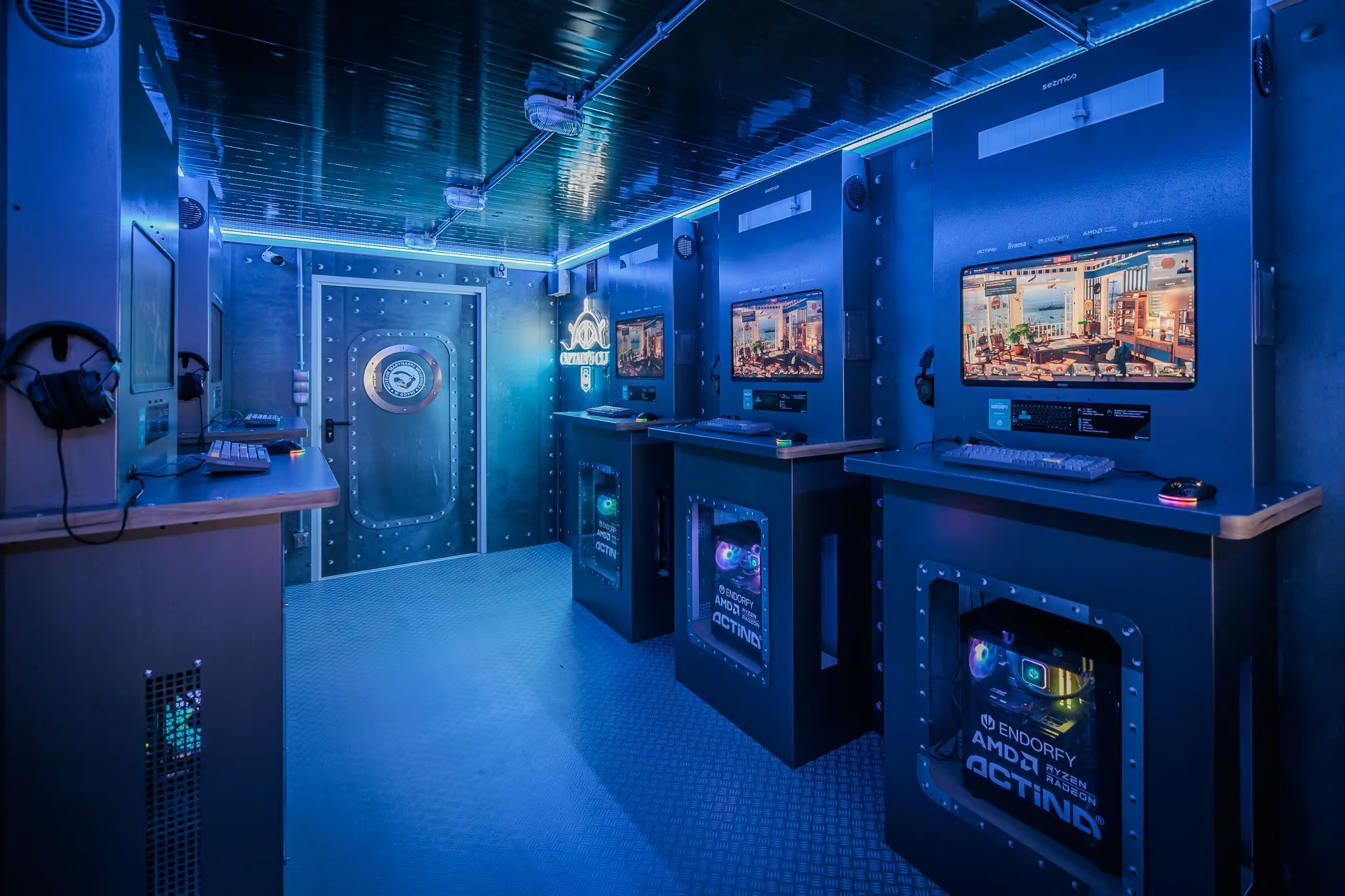
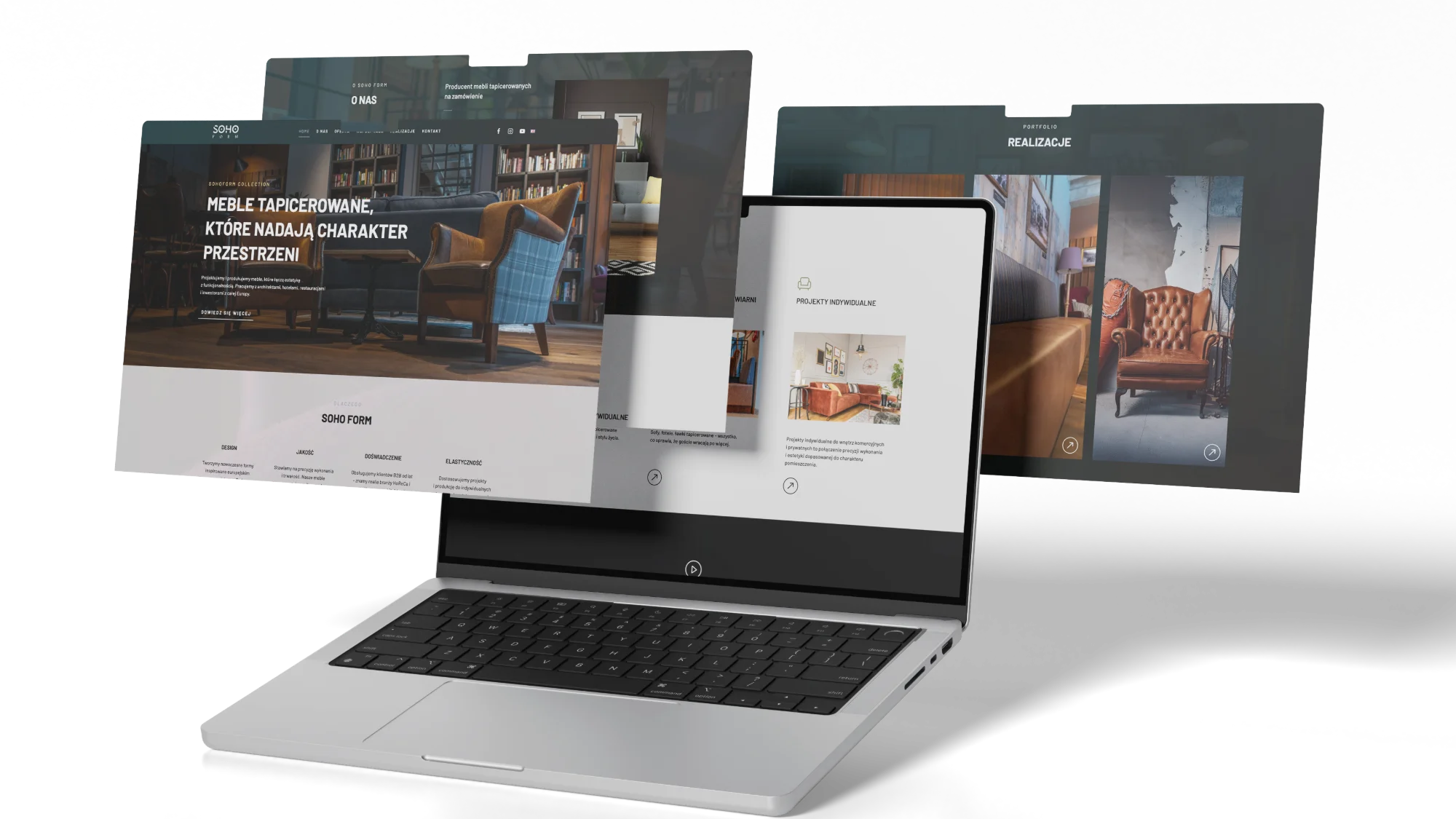
FAQ – common questions
What is the difference between UX and UI?
UX is the logic of the product: structure, flows and how easily people reach their goal. UI is the layer you see – typography, colour and components. We design both, because one does not work without the other.
I already have a website. Can it be improved without starting over?
Yes. We start with a UX audit, show where users get lost and design changes in order of impact.
Which tools do you use?
Figma and the full Adobe Creative Cloud suite – we pick the tool for the task, not the other way round. You get access to the files, the prototype and the design system, with no locked formats.
Will you build the site you designed?
Yes. Development is done in-house – from WordPress, through React, to any technology the project needs. See our Websites service.
How long does a UX/UI project take?
It depends on scope – a landing page is a different scale from a store or an app. We give a timeline and a quote after the brief or a short workshop.